Booking a viewing
Viewings are where lettings are won. Metra Thrive books them from the guest card in seconds, confirms them on the prospect's timeline, and lays the whole team's day out on one calendar — guided, self-guided and live video viewings together.
Recorded in the live product at 1280 × 800 against the seeded portfolio — unedited.
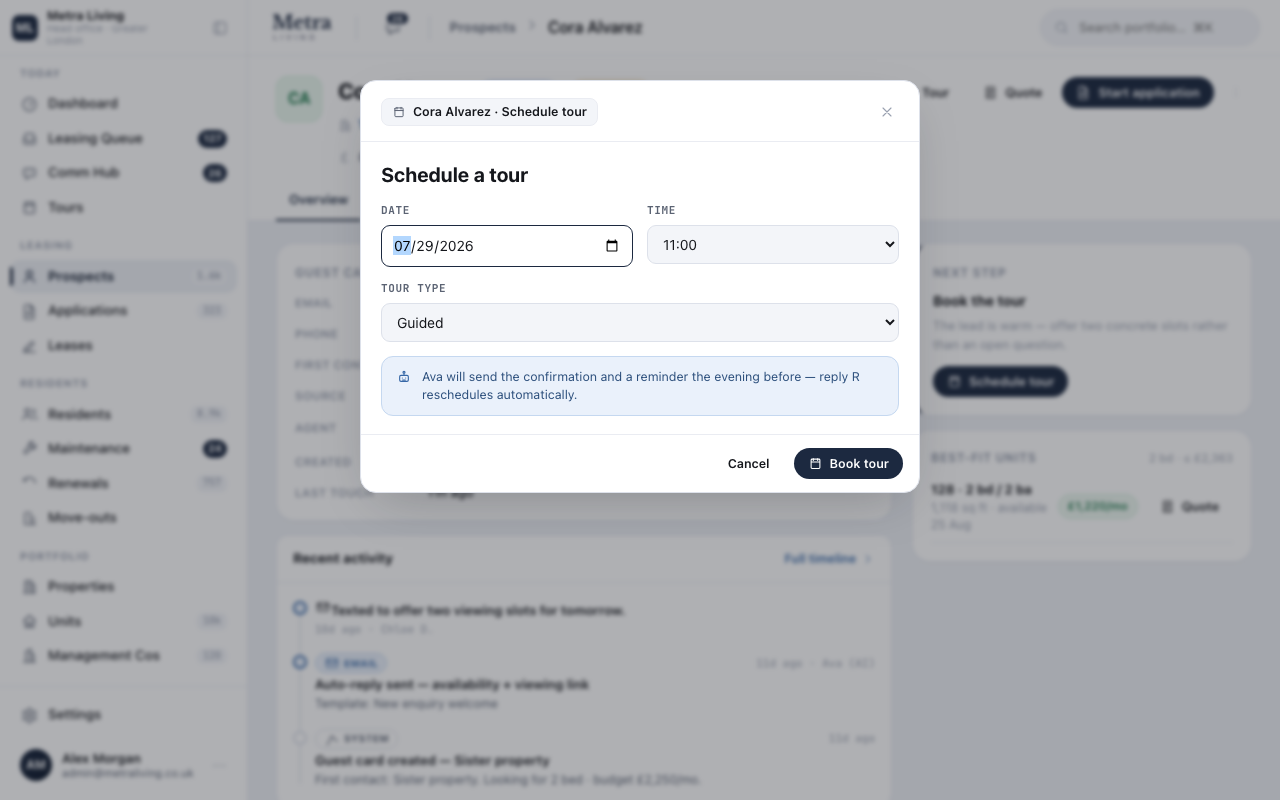
Schedule from the guest card
Pick a slot and a format — guided, self-guided or live video. The stage moves to 'Touring' by itself; there is no separate diary to update.
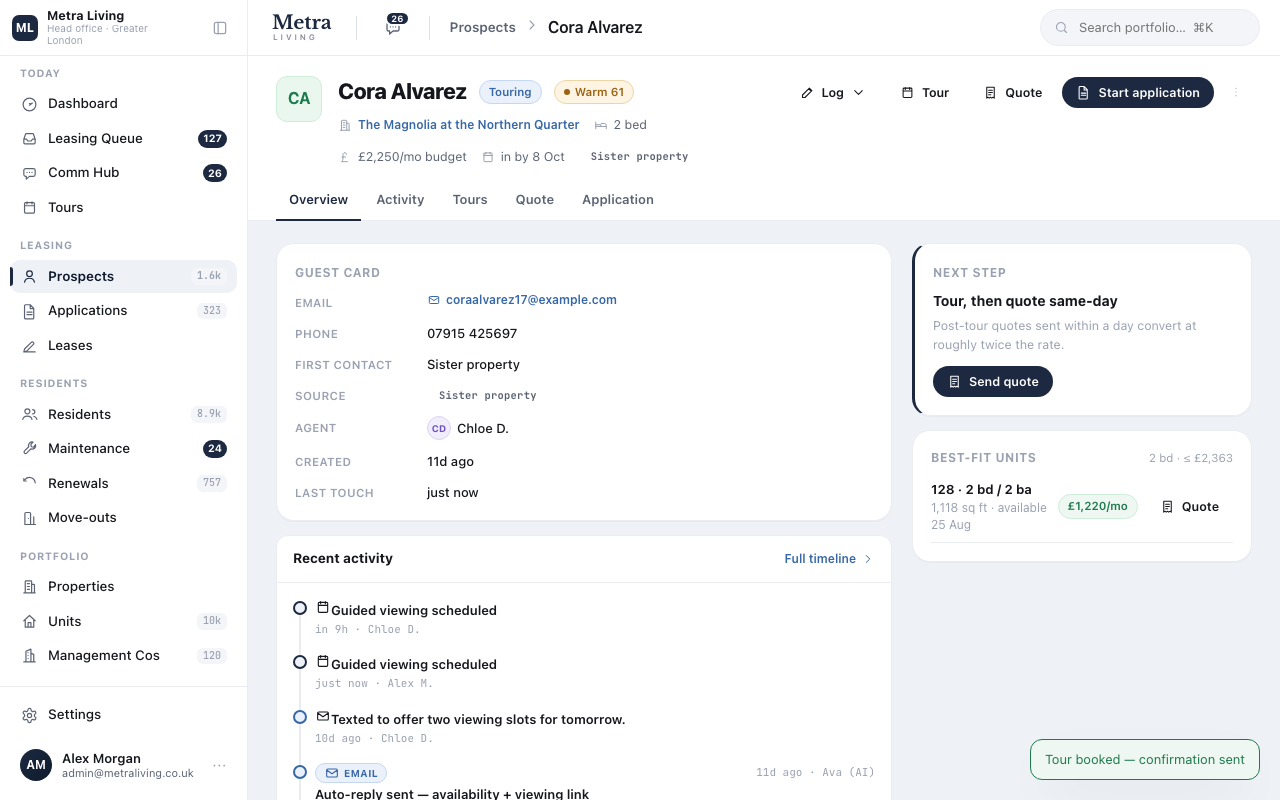
The card carries the appointment
The upcoming viewing sits on the guest card where the conversation happens, and the queue swaps the follow-up task for viewing prep.
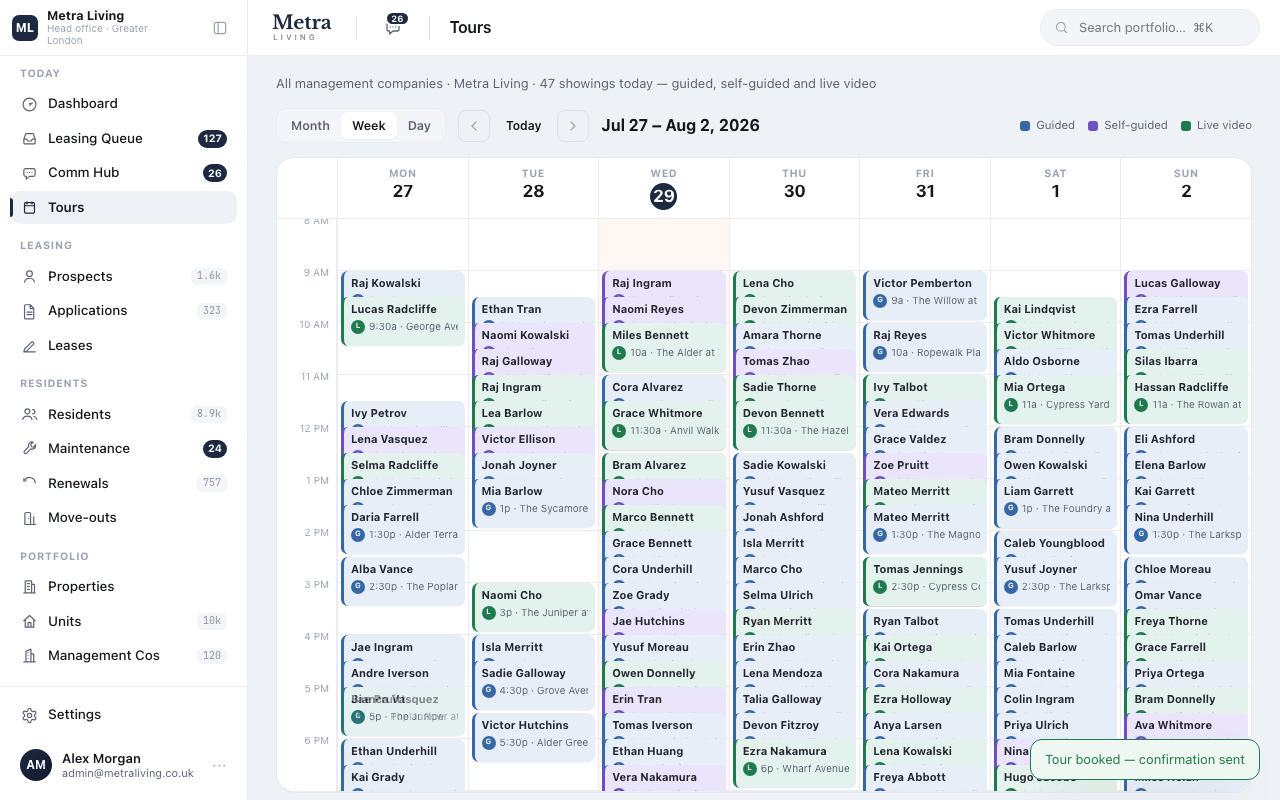
The day on one calendar
The Tours calendar shows every booking across the scoped portfolio — by day or week, colour-coded by status, each entry one click from its guest card.
Do this yourself — the platform is open.
The same seeded portfolio is live right now. Sign in and run this journey with your own hands — nothing here is a slide.
Quoting terms and rent →
A pricing matrix across five term lengths, sent as a personal quote with a payment schedule attached.