Tenancy e-sign to move-in day
Between 'approved' and 'moved in' live a dozen small steps that decide whether move-in day feels effortless. Metra Thrive runs the tenancy agreement through e-signature, tracks the move-in checklist, and — the moment you activate — turns applicant into resident, updates the home, and closes the guest card as let.
Recorded in the live product at 1280 × 800 against the seeded portfolio — unedited.
Generate the tenancy
Start date, term and rent produce the agreement; the deposit is calculated within the five-week cap automatically. It sits as a draft until you send it.
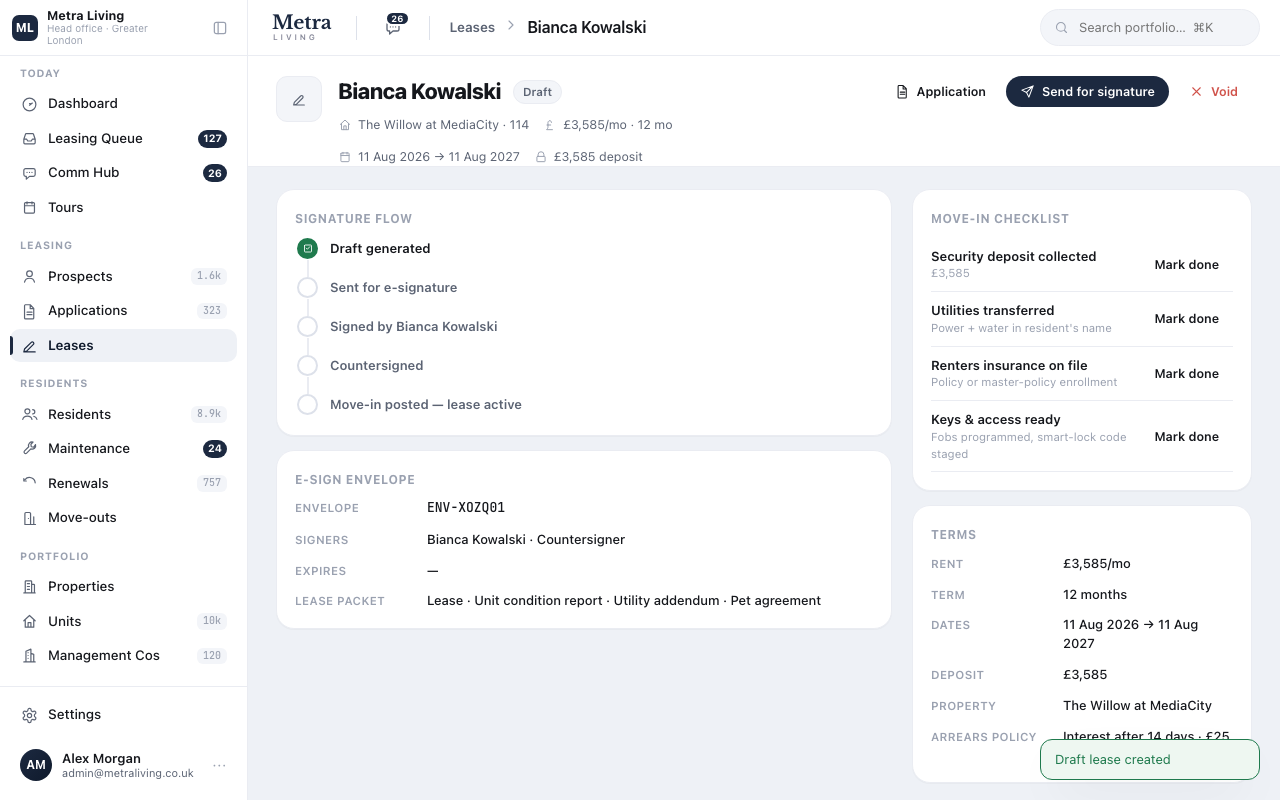
Out for signature
The resident signs first, head office countersigns — each signature stamps the record with its timestamp, visible on the lease and the guest card alike.
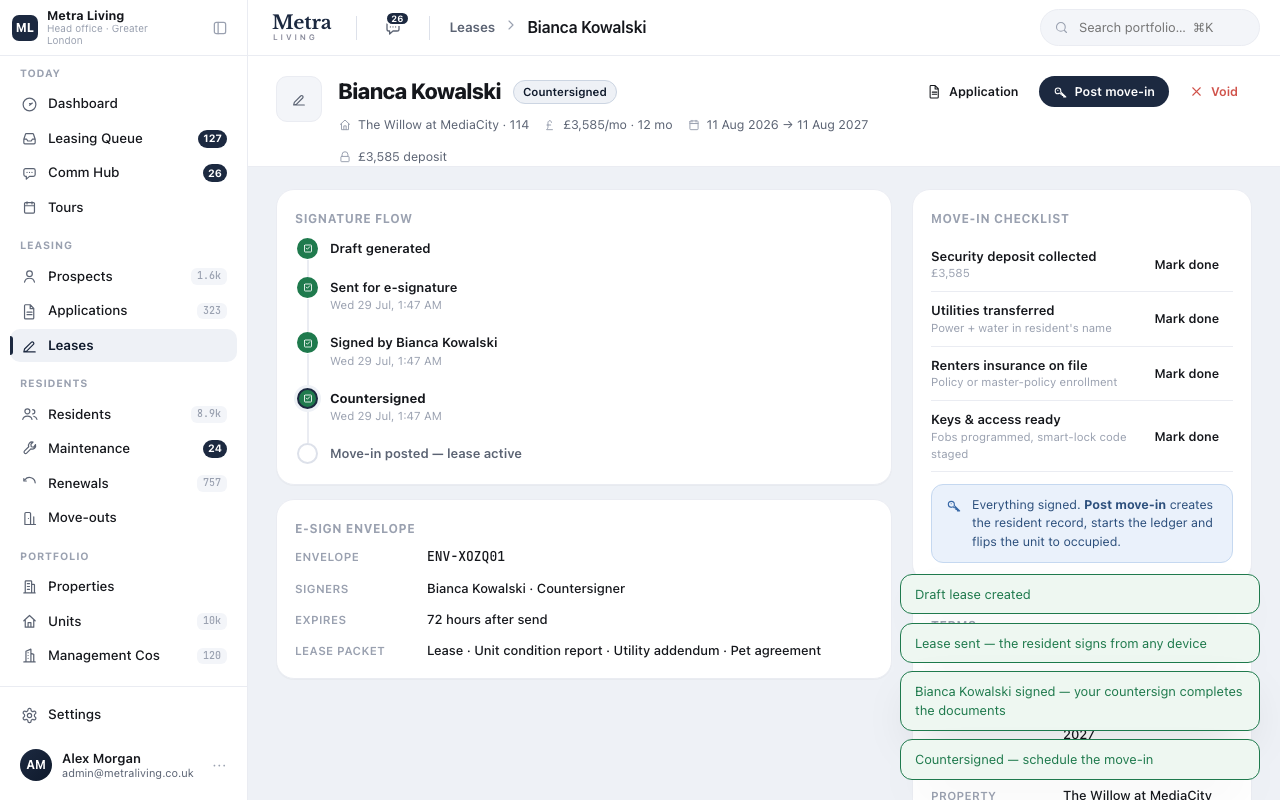
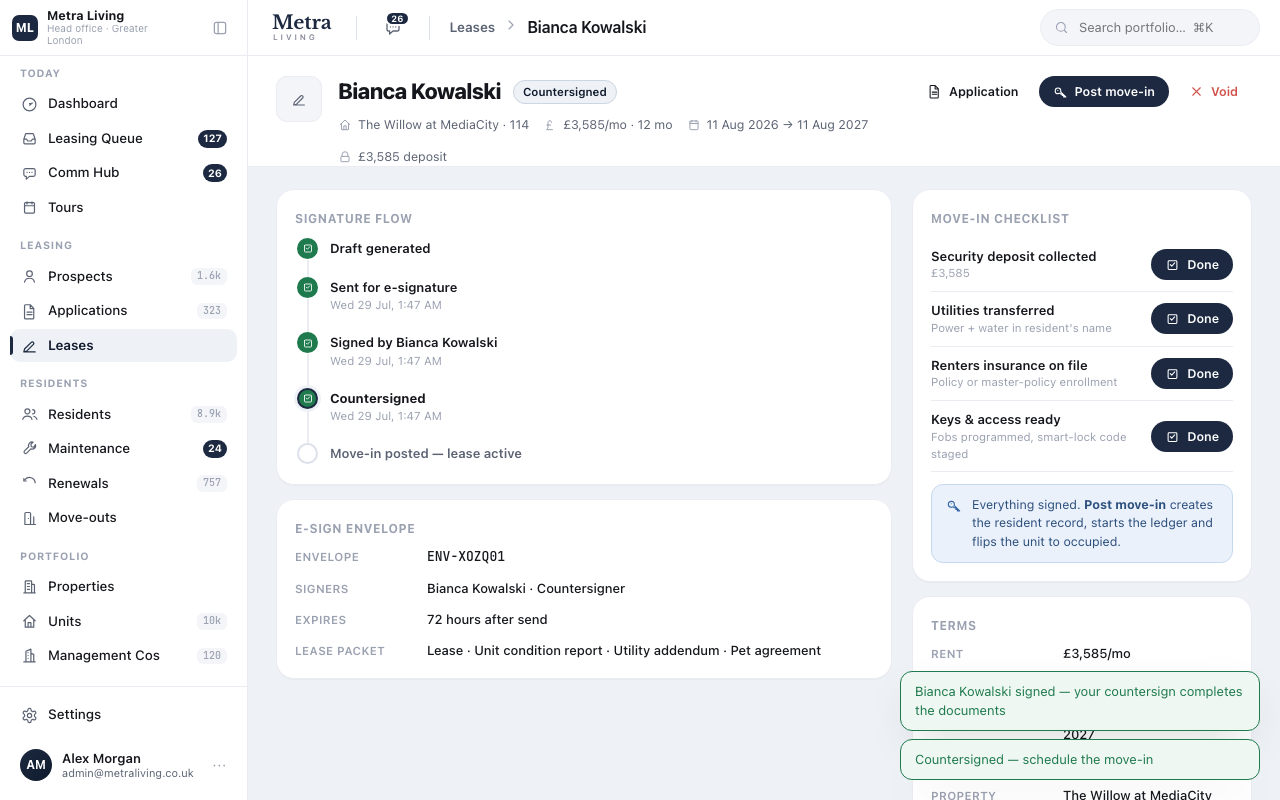
The move-in checklist
Deposit protected, utilities notified, insurance seen, keys cut. Four toggles that keep move-in day boring — in the best way.
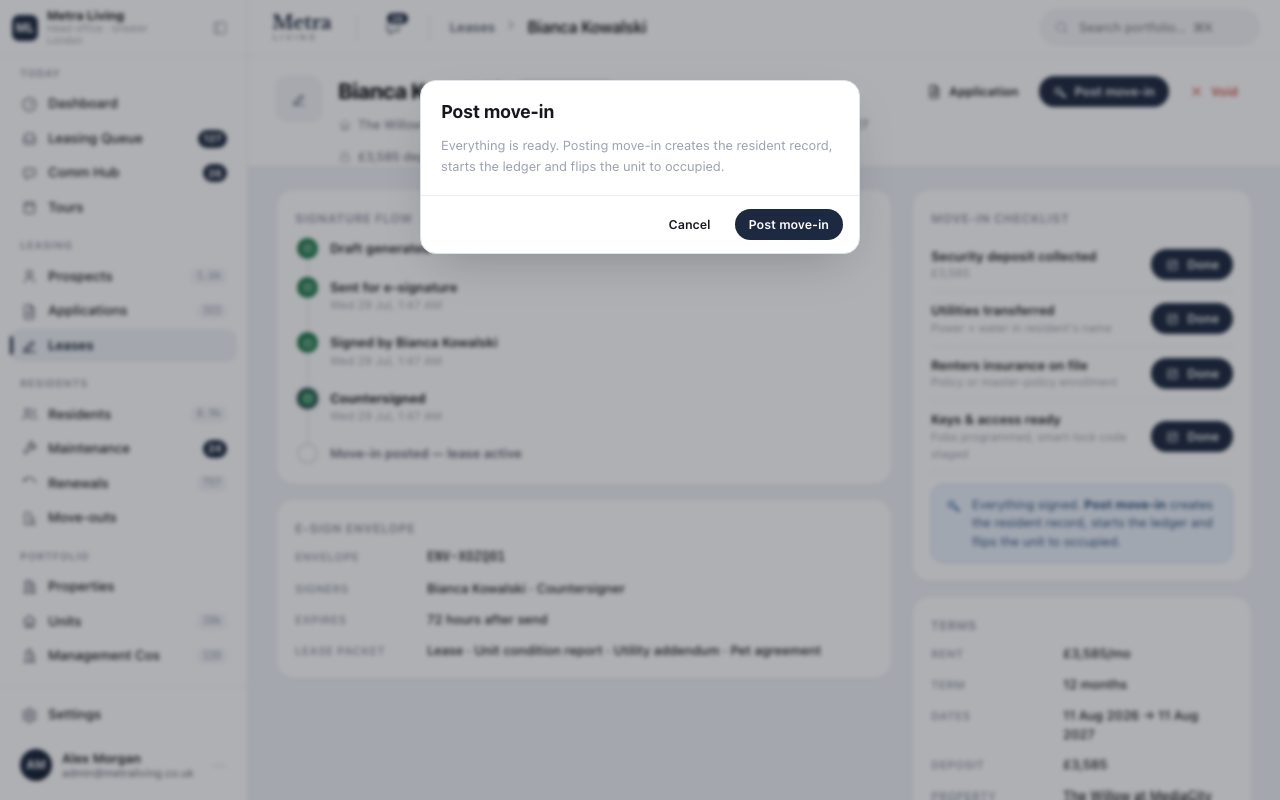
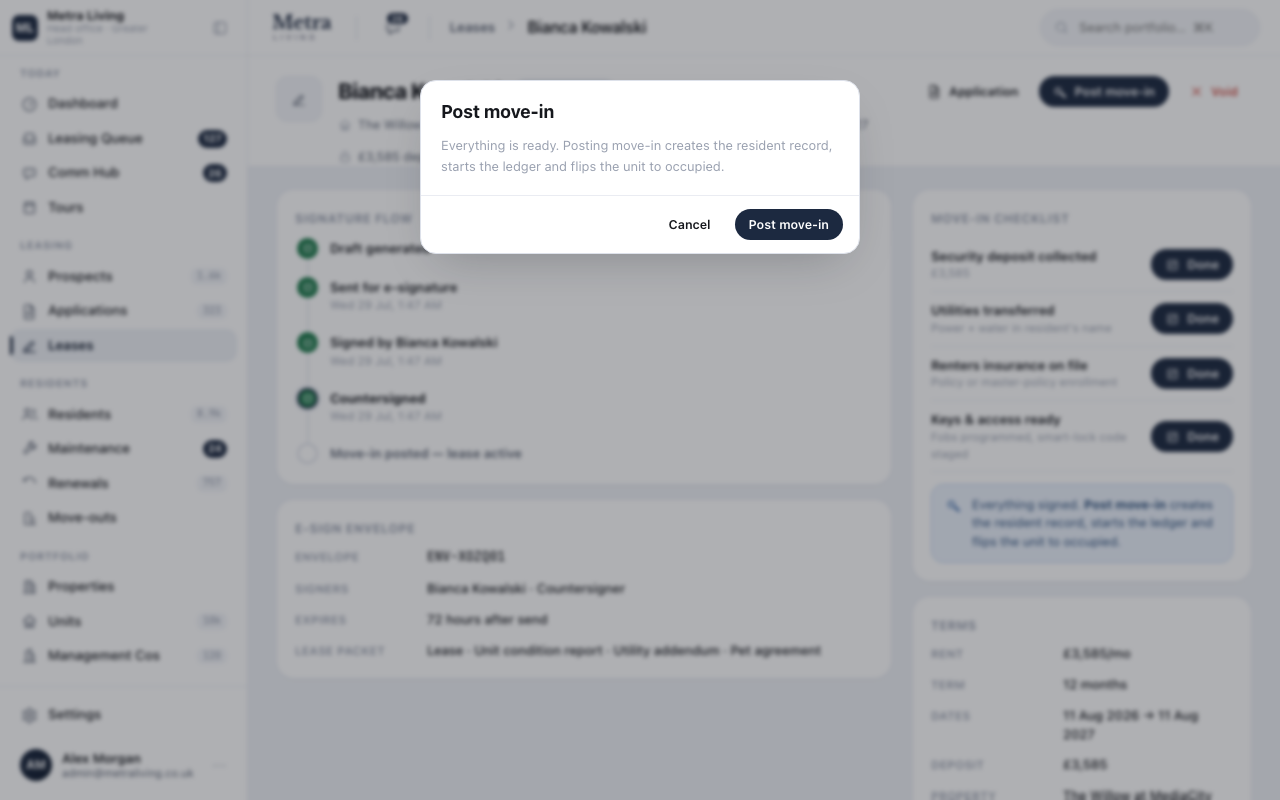
Activate the tenancy
One action, four effects: the tenancy goes active, a resident record is created, the home flips to occupied, and the guest card closes as 'Leased'. Nothing to re-key, nowhere for the story to fork.
The resident record takes over
From here the same record carries rent, requests, renewals and one day the deposit return — the second half of the lifecycle, already connected to the first.
Do this yourself — the platform is open.
The same seeded portfolio is live right now. Sign in and run this journey with your own hands — nothing here is a slide.
The resident record and a payment →
A live ledger for every household — and arrears that fall the moment the payment is recorded.